Notebooks and MCPs
The Notebooks and MCPs pages display interactive applications running in your workspace as a card gallery.
Notebooks page
Shows all interactive scripts of type notebook -- Marimo notebooks and Streamlit apps.
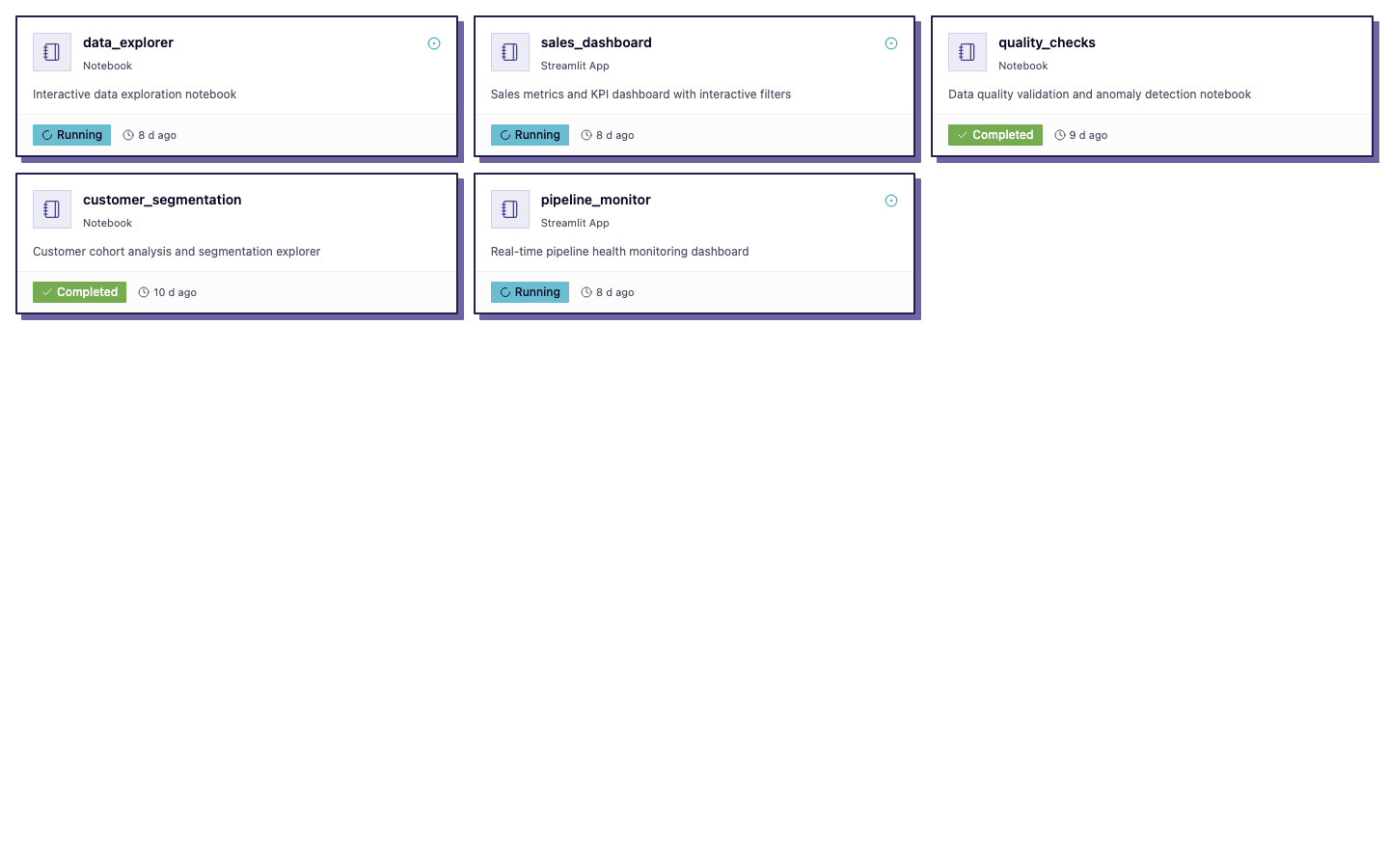
Each card displays:
- Name and app type (Marimo, Streamlit)
- Description (if set)
- Status -- a pulsing indicator if the app is currently running
- Last run -- when the app was last started, with status badge
Click a card to open the notebook in your browser. If the notebook isn't running, it will be started automatically.
Deploying notebooks
Notebooks are deployed via the CLI:
dlt runtime serve fruitshop_notebook.py
See Serve a Notebook for the full guide and dlt runtime serve for CLI options.
Sharing notebooks
You can generate a public link to share a notebook with anyone (no authentication required):
dlt runtime publish fruitshop_notebook.py
Public notebooks are read-only. See Publish and Share for details.
Empty state
If no notebooks exist, the page shows a hint with the CLI command to create one.
MCPs page
Shows all interactive scripts of type MCP (Model Context Protocol server). MCP servers provide tool and data access for AI assistants and agents.
The card layout is identical to notebooks. Click a card to view the running MCP server's connection info.
Deploying MCP servers
dlt runtime serve my_mcp_server.py
The same dlt runtime serve command is used for all interactive app types.
Managing interactive apps
From either page, use the Jobs page or CLI for management actions:
- Cancel a running app:
dlt runtime cancel <script> - View logs:
dlt runtime logs <script> - Publish/unpublish:
dlt runtime publish/dlt runtime unpublish